Print Production
YOUR PRINT WILL ONLY EVER BE AS GOOD AS YOUR DESIGN
Every time a business owner walks into a print shop with a design file and walks out disappointed with the result, the same conversation happens. "The colours look different." "The text is blurry." "It doesn't look like what I saw on the screen." And almost every time, the printer gets the blame. But here is the truth that most people do not want to hear. In the majority of cases, the problem started long before the file ever reached the printer. It started at the design stage.
Print and Design Are Not Two Separate Things
Many people treat design and printing as two completely independent steps. You get someone to design it, then you take it somewhere to print it. Simple enough, right?
Not quite.
Design and print are deeply connected. The decisions made during the design process determine everything that happens at the press. The resolution of your images, the colour mode of your file, the fonts you used, the margins you left, the file format you saved it in; all of these choices made on a screen will show up in the final printed product, for better or for worse.
A designer who does not understand print will make choices that look great on a laptop but fall apart on paper. And no printer in the world, no matter how good their equipment is, can fix a poorly prepared design file.
What Good Print-Ready Design Actually Looks Like
There are a few non-negotiable standards that separate a design that prints beautifully from one that does not.
Resolution matters more than most people realise: Images that look perfectly sharp on a screen can print blurry or pixelated if they are not at the right resolution. For print, images need to be at least 300 DPI (dots per inch). Most images downloaded from the internet or screenshots taken on a phone are only 72 DPI. That gap is the difference between a crisp, professional print and something that looks like it was printed on a home inkjet from 2009.
Colour mode is not something to guess at: Screens display colour using RGB (Red, Green, Blue). Printers produce colour using CMYK (Cyan, Magenta, Yellow, Black). These are two different systems, and colours that look vibrant on an RGB screen can shift noticeably when converted to CMYK at the printing stage.
Bleed and safe zones protect your design: When a printer cut printed material to size, there is always a small margin of movement. Without a bleed area (an extension of your design beyond the trim line), you risk ending up with thin white borders around your print that were never part of the design. Similarly, keeping important text and graphics within a safe zone ensures nothing critical gets accidentally trimmed off.
Fonts need to be handled correctly: If a design file uses a font that is not properly embedded or outlined, the printer's computer may substitute it with a default font. Suddenly your carefully chosen typography is replaced with something entirely different. Every professional design file should have fonts outlined or embedded before it goes to print.
Why This Is More Common Than It Should Be
The rise of free design tools has made it easier than ever for anyone to put together something that looks like a design. Chat GPT, Claude, Gemini, and similar platforms are genuinely useful for certain things. But they were not built with commercial printing in mind.
Files exported from these tools often have low resolution, incorrect colour modes, no bleed settings, and embedded fonts that cause problems at the printer. The user sees a polished preview on their screen and assumes the file is ready. The printer receives something that is technically unprepared.
This is not a criticism of the people using these tools. It is simply a gap in knowledge that costs Nigerian businesses money every now and then in reprints, delays, and wasted materials.
The Simeedia Difference
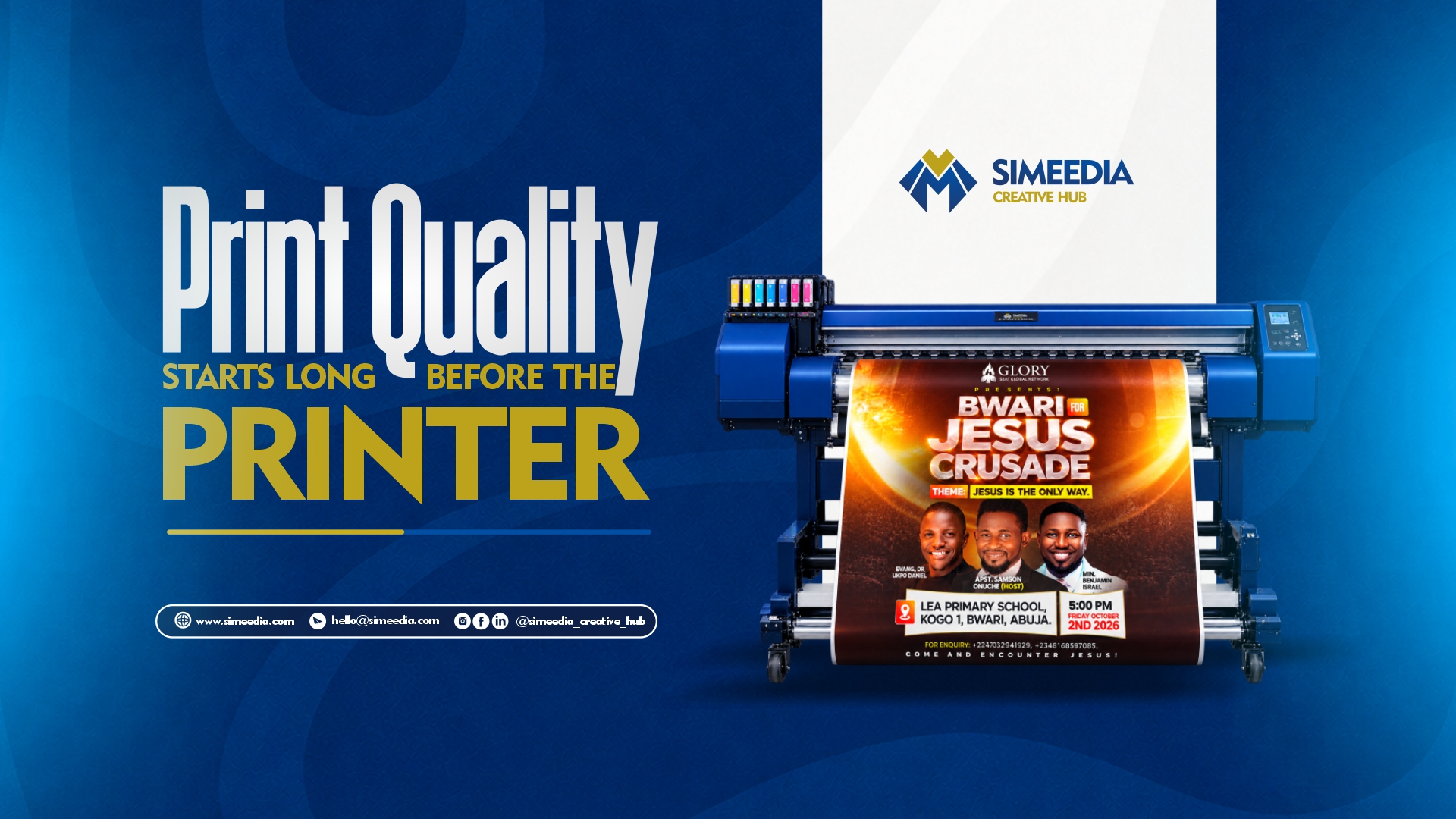
At Simeedia Creative Hub, design and print live under the same roof. That is not just a convenience. It is a quality guarantee.
When the same team that designs your material is also handling the print, nothing gets lost in translation. Our designers know exactly how to prepare files for our equipment. Colours are calibrated. Every file that goes to press has been checked against our print standards before a single sheet is loaded.
The result is what you actually intended when you first imagined it.
The Bottom Line
Before you ask "why does my print look bad," ask "was my design print-ready?"
Good print quality is not just about having a good printer. It is about having a design that was built for print from the very first step.
If you want your printed materials to look as professional as your business actually is, start with a designer who understands printing. Or better still, work with a team that does both.
That is exactly what we are here for.
Simeedia Creative Hub. Design. Print. Done Right.
Comments
Loading comments…